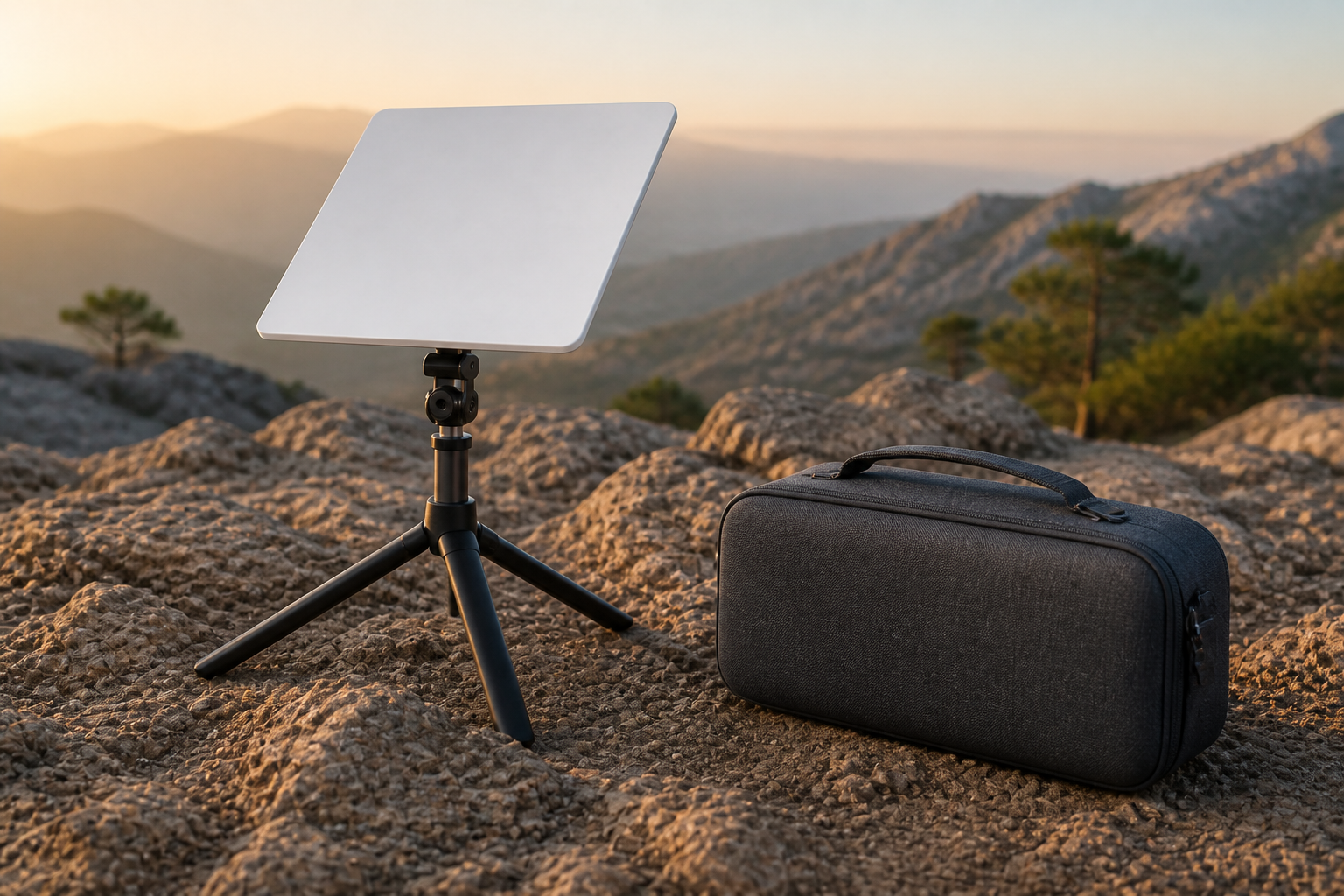
Buy Starlink Mini tripod and case
For Mini on the road: the case protects from knocks, and the tripod helps you get a clear sky view quickly — better than sitting it on uneven ground.
This price is for the listed item. The model, box contents, and destination are reviewed before dispatch; delivery cost and timing depend on the destination.
- ✓ Authenticity and compatibility check before dispatch
- ✓ Crypto payment with precise QR and dedicated address
- ✓ Dedicated tracking code and email status updates
Check before placing your order
Match your kit's exact generation and model to this page's compatibility section. A similar cable, mount, or router name does not mean it works with every generation.
Who it is for
Camping, road trips, and short field work with Mini.
Key details
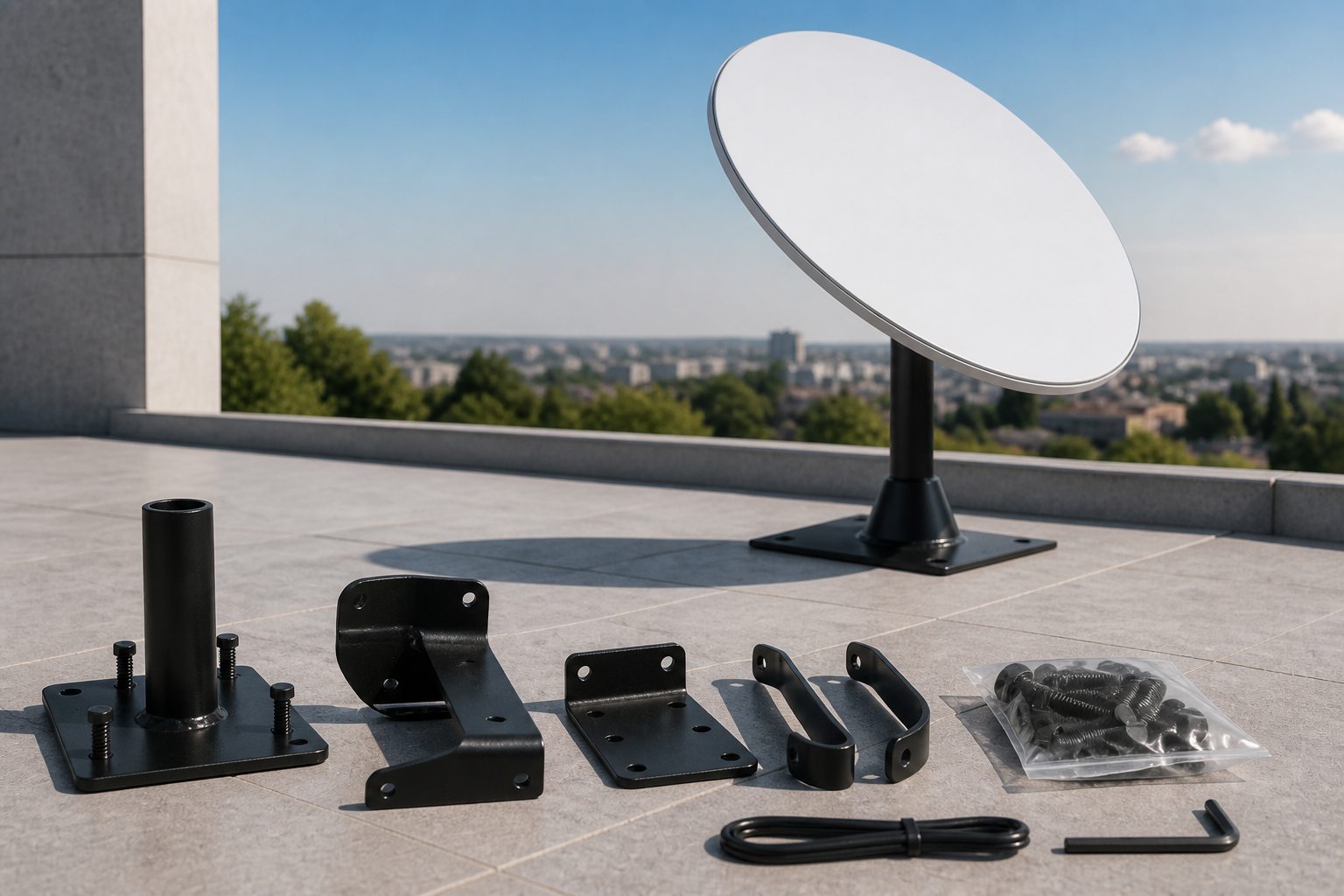
- Tripod for temporary outdoor leveling
- Carry case for backpack or vehicle
- Only for Starlink Mini
Capabilities
- Fast camp setup without a roof mount
- Safer carry than a cardboard box
What's in the Box
- ✓ Tripod
- ✓ Carry case
Install & setup — step by step
Follow these steps to install and connect this accessory.
- Open the tripod on reasonably level ground.
- Place Mini on the tripod with a clear sky view.
- Connect AC, DC, or the solar pack.
- Connect in the app; after use, pack Mini in the case.
How to mount and start Starlink
Choose a walkthrough below, then follow the steps for your kit: open sky, secure the mount, connect cable and power, and finish in the Starlink app.
Service configuration & activation
See how this works with a compatible kit and plan.
These accessories do not include internet service. For travel, activate a Roam plan separately.
Frequently asked questions
- Does it work with the Standard home kit?
- No. This set is designed for Mini.
- Is it stable in strong wind?
- In very strong wind, choose a heavier or lower spot; the tripod is for temporary use.