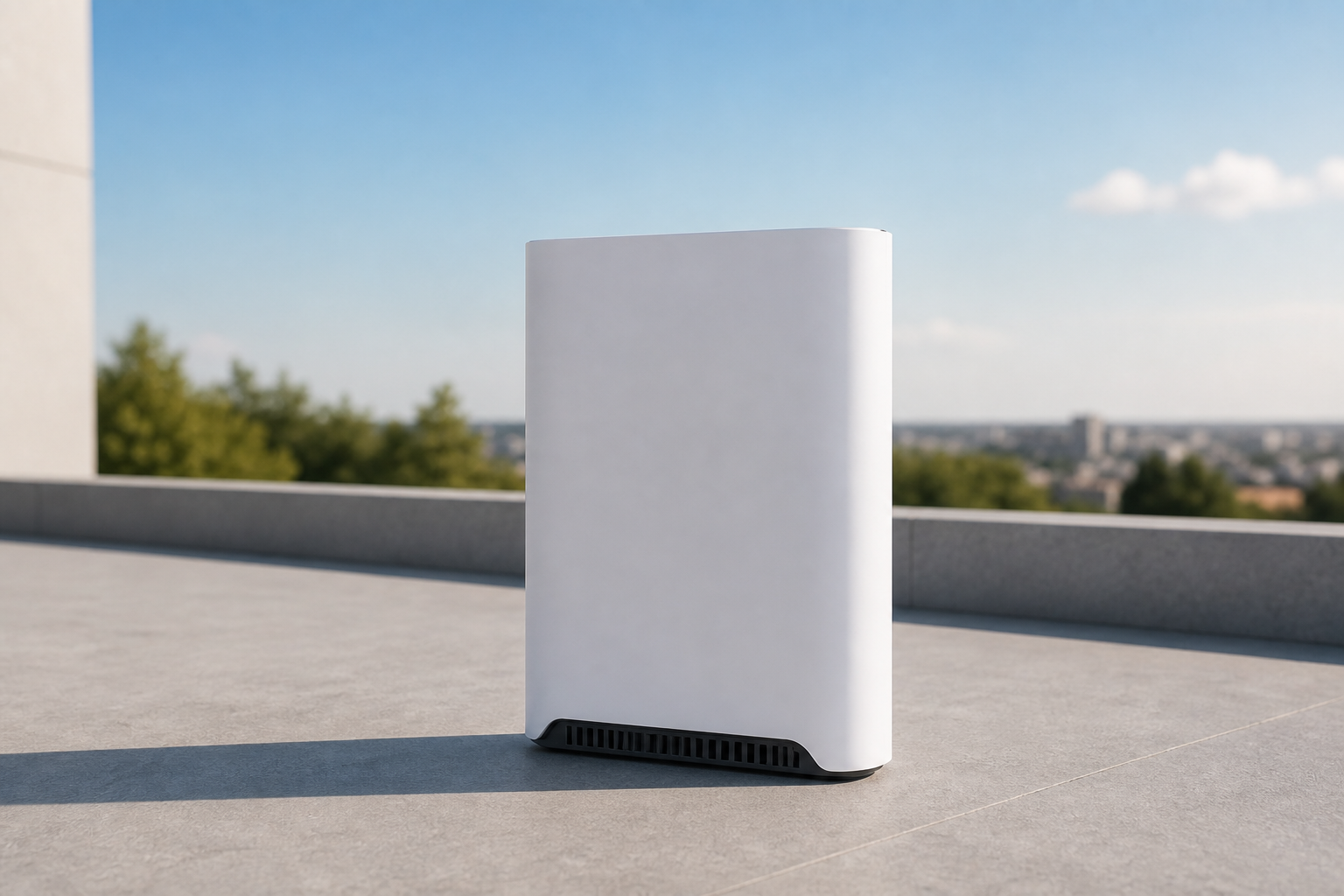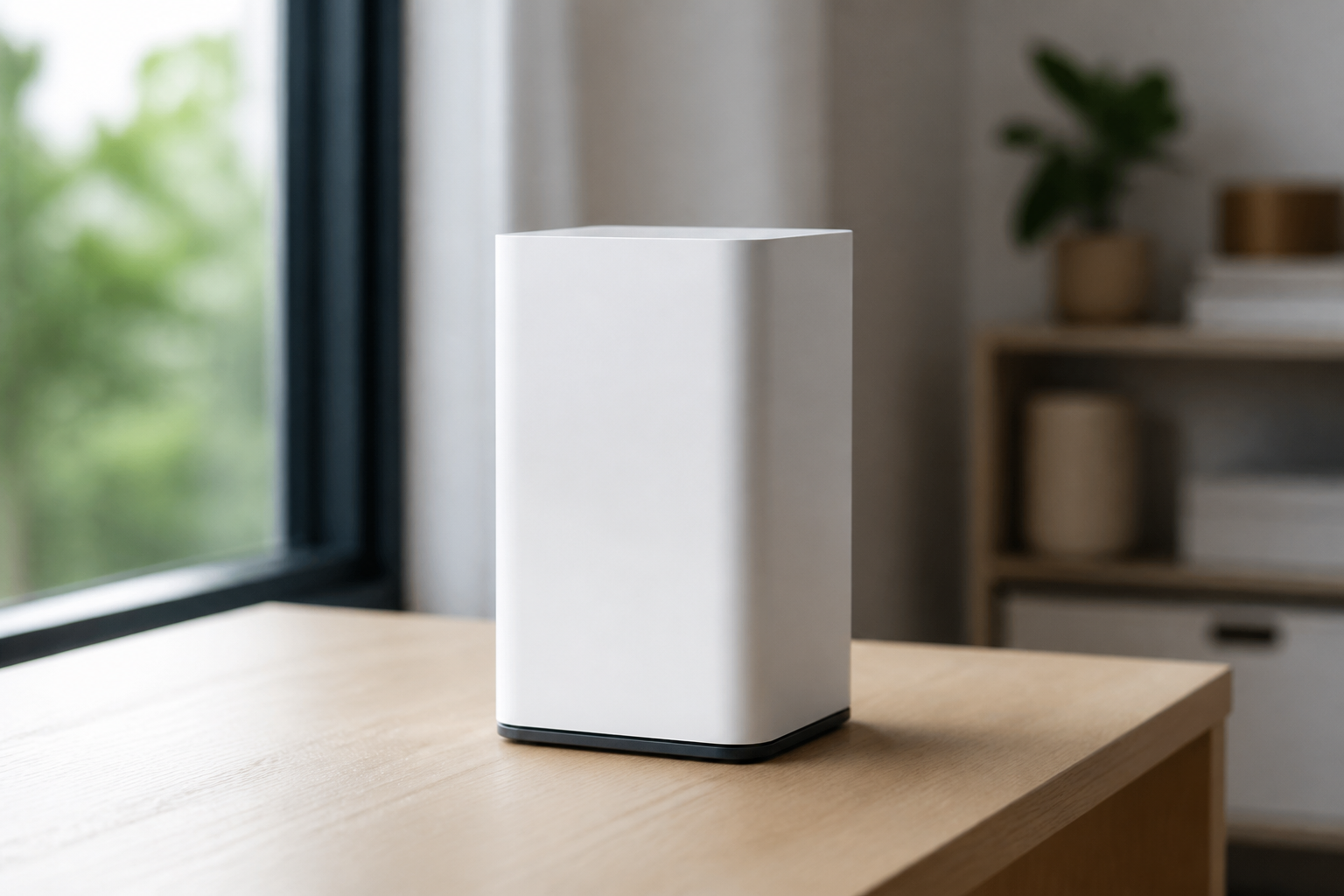
Buy Starlink mesh Wi-Fi router
If upstairs or at the far end of the house the signal is weak, this mesh node fills coverage. Place it where the main router fades, then pair in the app.
This price is for the listed item. The model, box contents, and destination are reviewed before dispatch; delivery cost and timing depend on the destination.
- ✓ Authenticity and compatibility check before dispatch
- ✓ Crypto payment with precise QR and dedicated address
- ✓ Dedicated tracking code and email status updates
Check before placing your order
Match your kit's exact generation and model to this page's compatibility section. A similar cable, mount, or router name does not mean it works with every generation.
Who it is for
Large homes, multiple floors, offices with thick walls.
Key details
- Extends the same Starlink Wi-Fi network
- Pairing inside the app
- No need to replace the dish
Capabilities
- More even coverage across rooms or floors
- The same network name for household devices
What's in the Box
- ✓ One Starlink mesh Wi-Fi node
- ✓ Power cable
Install & setup — step by step
Follow these steps to install and connect this accessory.
- Place the node between the main router and the weak spot — not behind metal walls.
- Plug in power.
- Finish mesh setup in the Starlink app.
- Test the farthest room and move the node if needed.
How to mount and start Starlink
Choose a walkthrough below, then follow the steps for your kit: open sky, secure the mount, connect cable and power, and finish in the Starlink app.
Service configuration & activation
See how this works with a compatible kit and plan.
Mesh does not change satellite speed; it only improves indoor Wi-Fi. Monthly service is separate.
Frequently asked questions
- How many nodes do I need?
- Usually one is enough for a medium home. Very large homes may need a second node.
- Is this a substitute for Ethernet?
- For a PC or switch, the Ethernet adapter is the better choice. Mesh is for wireless devices.