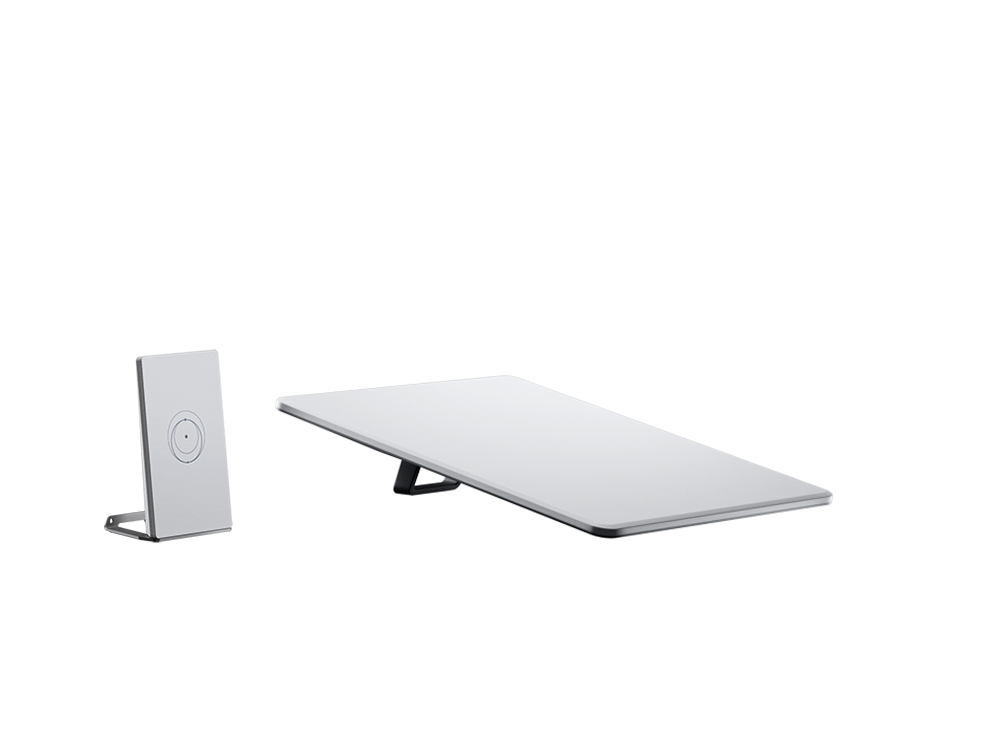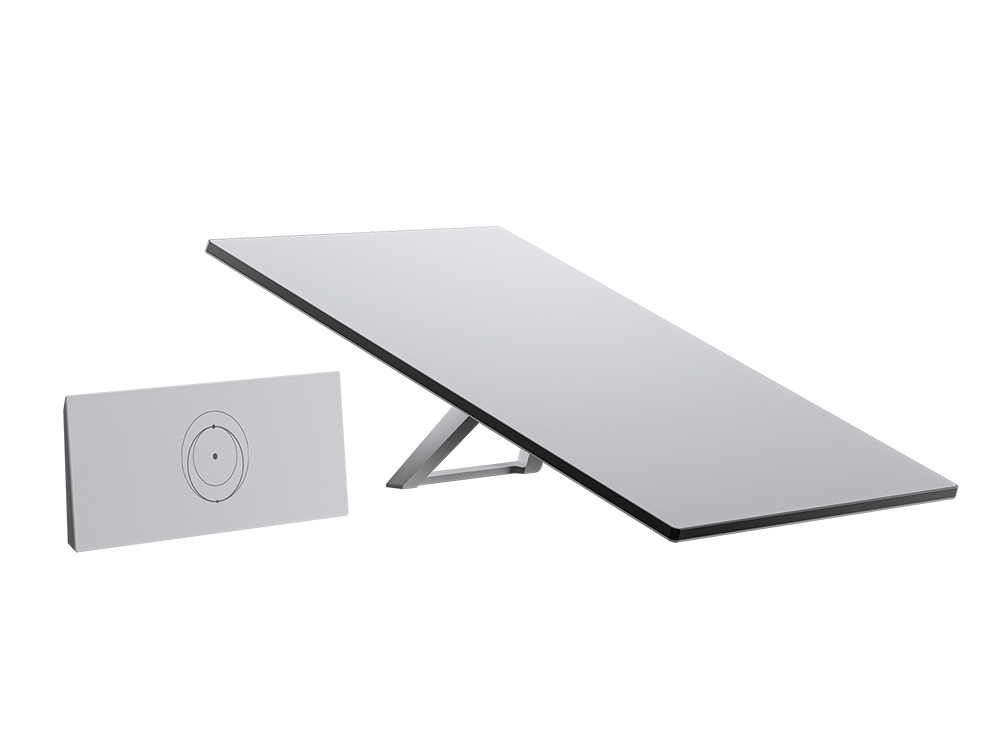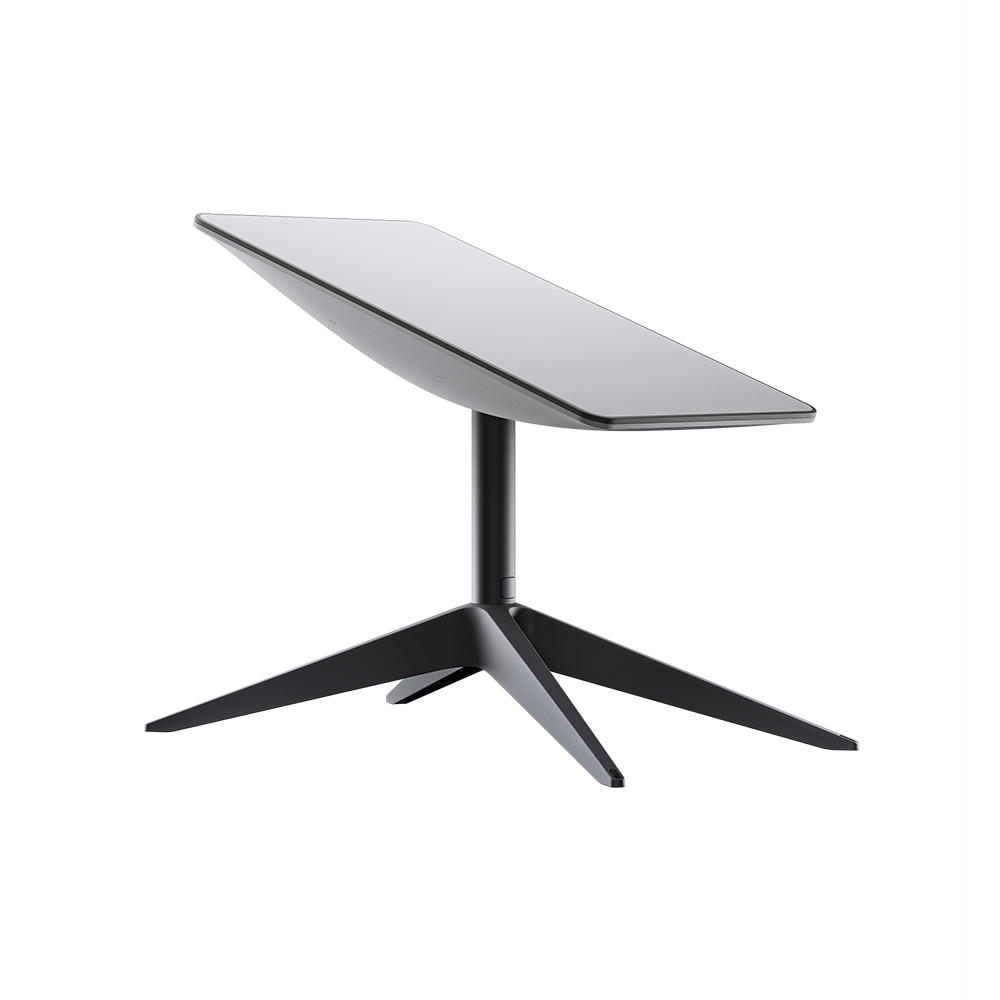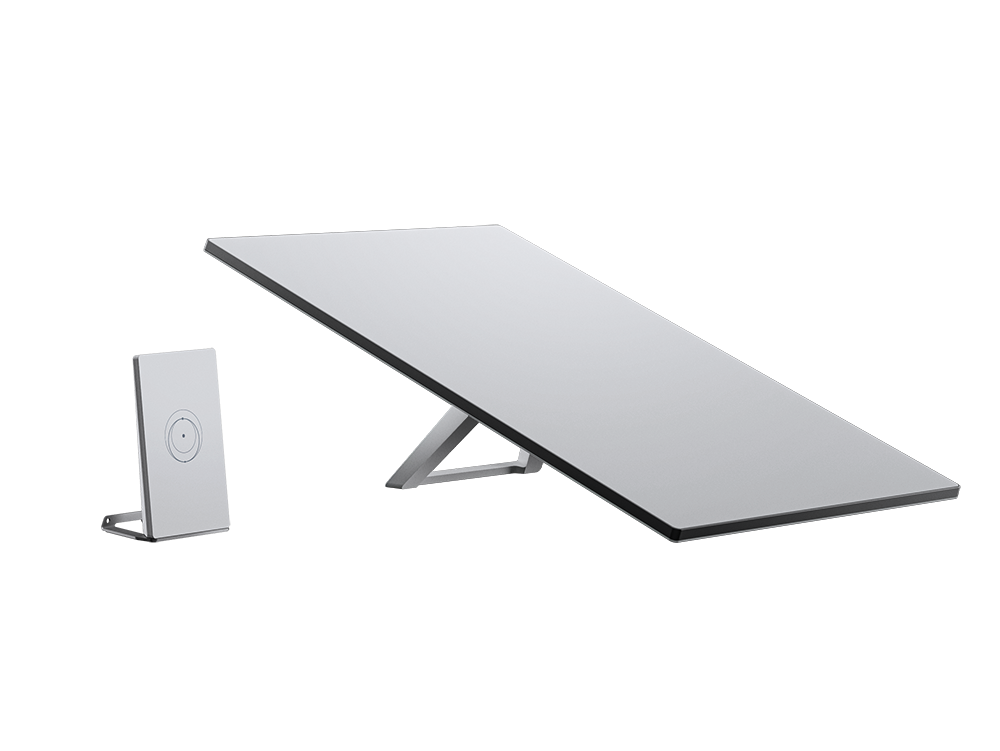
Buy the Starlink Standard Kit (Gen 3)
If you need satellite internet at one address, Gen 3 Standard is the usual starting kit. The listed price is hardware only; monthly service is sold separately. Install with the Starlink app after you confirm a clear sky view.
This price is for the listed item. The model, box contents, and destination are reviewed before dispatch; delivery cost and timing depend on the destination.
- ✓ Authenticity and compatibility check before dispatch
- ✓ Crypto payment with precise QR and dedicated address
- ✓ Dedicated tracking code and email status updates
Check before placing your order
This page price is for hardware; choose monthly service separately. Check address coverage and a clear installation view before ordering.
Who it is for
A flat roof or yard with open sky, one fixed address, and everyday work/streaming use.
Key details
- Speed and latency depend on location, cell load, and the active plan
- Gen 3 phased-array dish plus Wi-Fi router
- Monthly service is chosen separately
Capabilities
- App-guided obstruction check and install
- Home Wi-Fi for several devices
- Outdoor operation in rain, snow, and extreme temperatures
What's in the Box
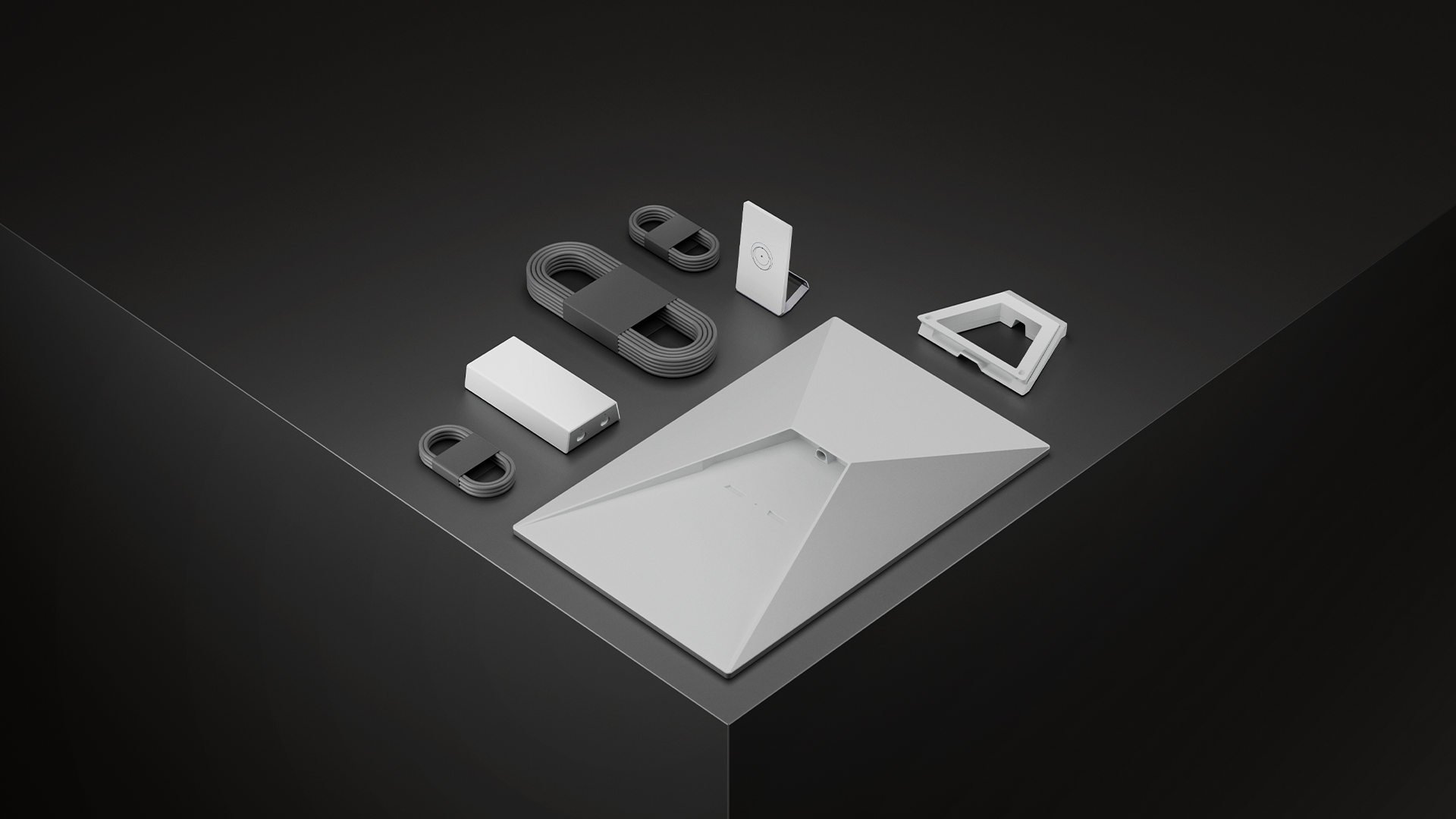
- ✓ Starlink phased-array dish
- ✓ Official Starlink Wi-Fi router
- ✓ Starlink cable and power supply
- ✓ Factory kickstand
Install & setup — step by step
From unboxing to online — no specialist tools for most home kits.
- Use the Starlink app AR tool to find a clear-sky install point.
- Secure the stand, seat the dish, and connect the cable to the router.
- Power on and finish aiming in the app.
- Create the Wi-Fi network and join devices.
How to mount and start Starlink
Choose a walkthrough below, then follow the steps for your kit: open sky, secure the mount, connect cable and power, and finish in the Starlink app.
Service configuration & activation
Match the monthly plan to your kit and location so service stays reliable.
After the hardware arrives, buy a Residential monthly plan and send the kit serial or Starlink account email on the order-status page so we can activate service.
Frequently asked questions
- Does the kit price include monthly internet?
- No. This page is one-time hardware. Buy monthly service on the service plans page.
- What roof does it fit?
- A flat, unobstructed surface. A pitched or snowy roof is usually a better match for the actuated kit.
- Can I install it myself?
- Yes. Most customers install with the Starlink app. StarPing support can walk you through it if you get stuck.